Features
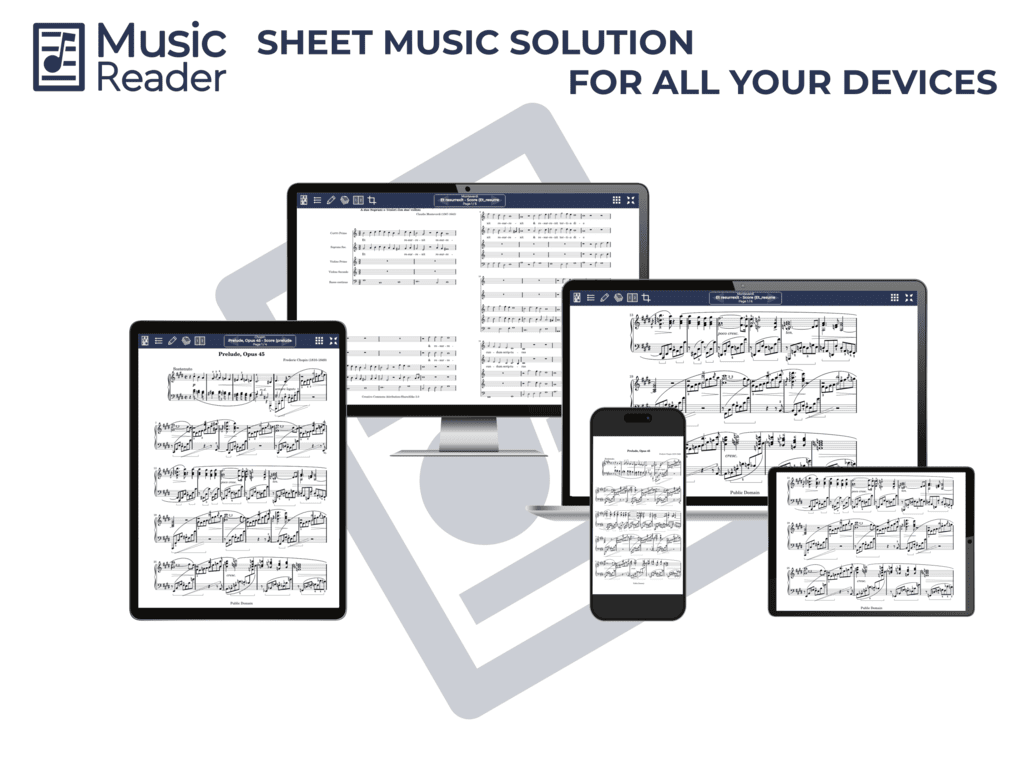
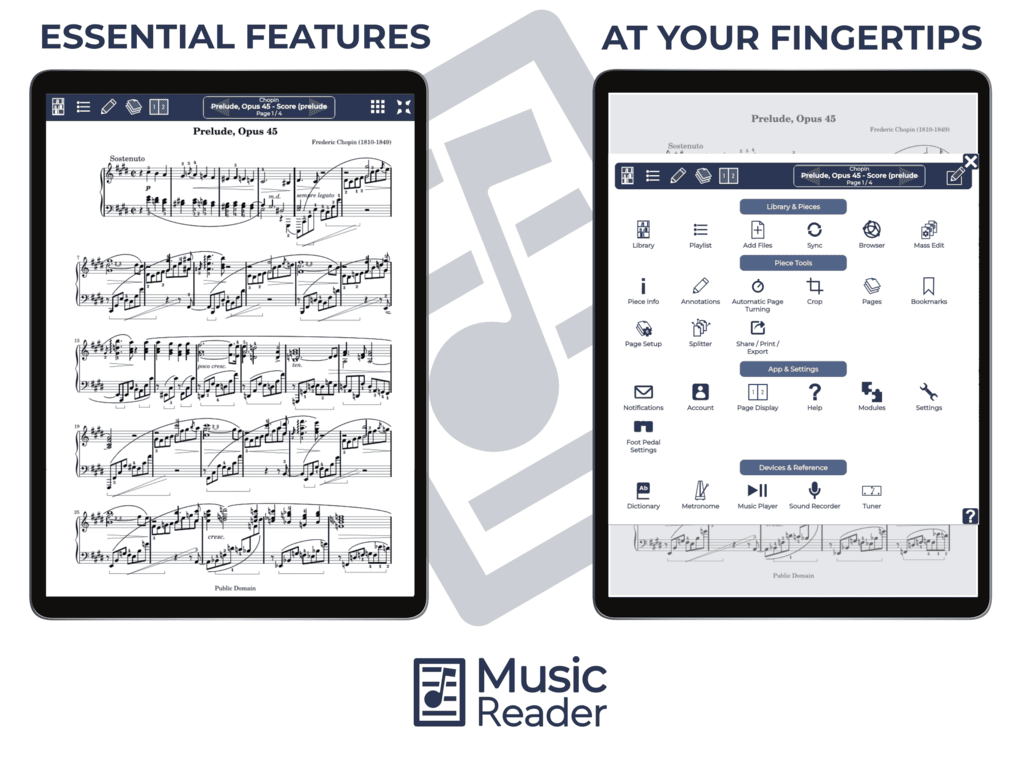
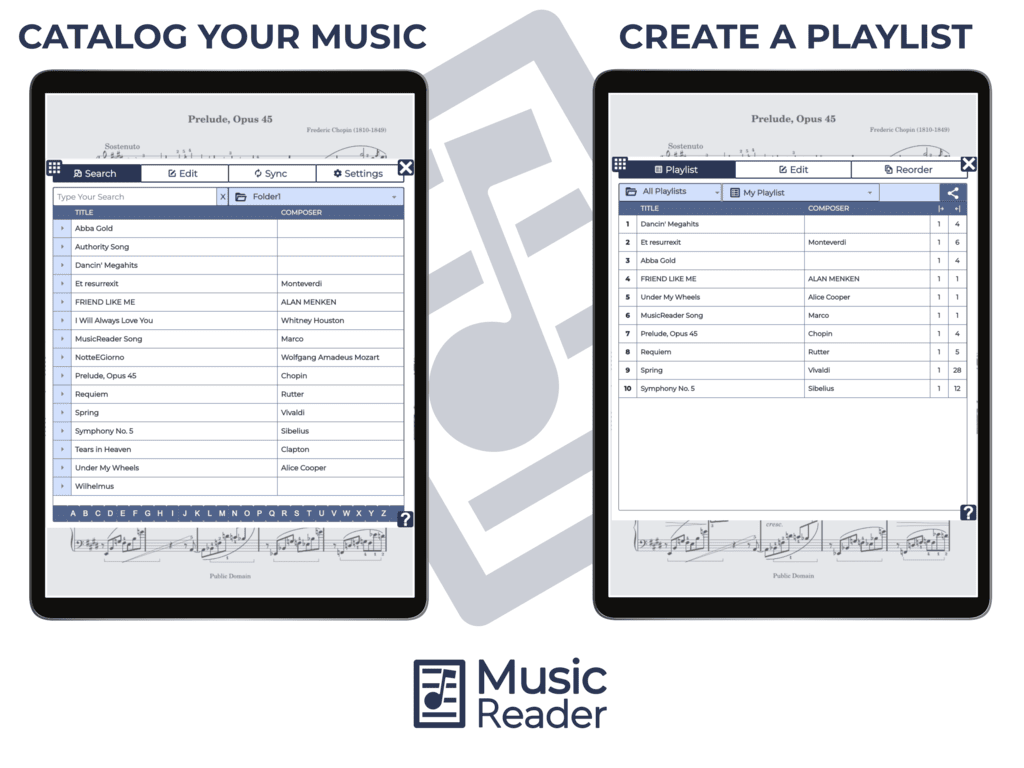
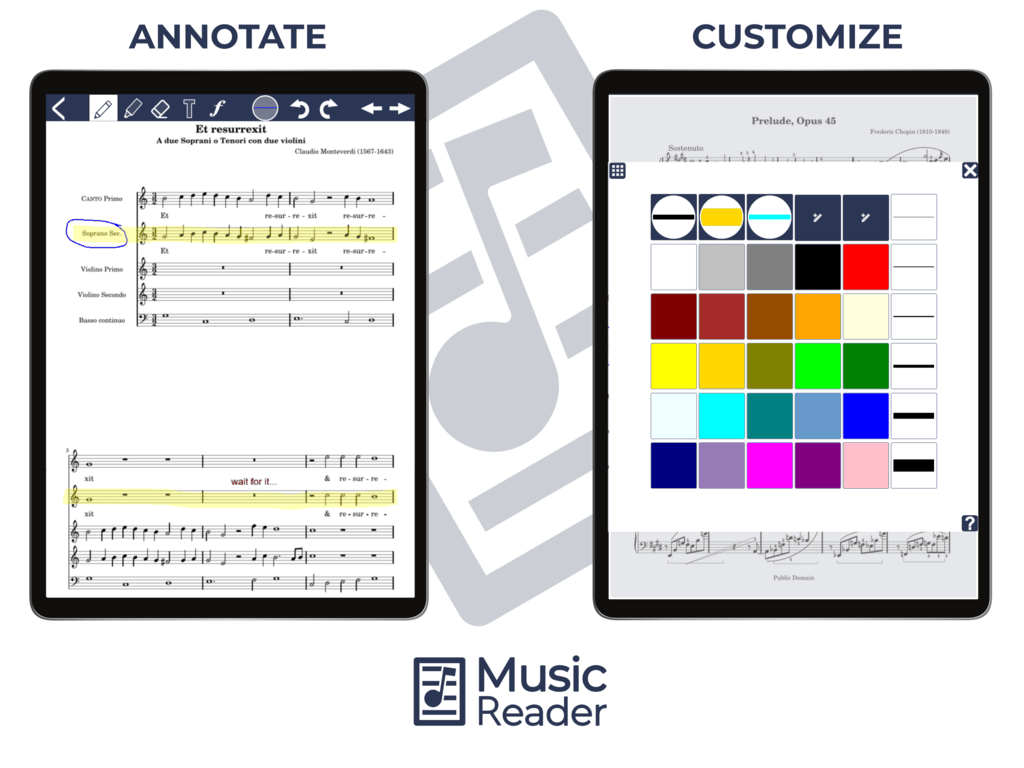
- Offline Capabilities: The App operates fully offline without the need for an internet connection. (Few exceptions apply; see below)
- Customizable Music Library: Easily sort, search, and customize your music collection.
- Versatile Display Options: Choose between full, half, or dual page views.
- Enhanced Page Turning: Experience the convenience of half-page turns.
- In-app Annotations: Use pencil, marker, text, and symbols to mark your scores. Includes support for direct annotations with digital pens.
- Hands-free page turning: Use foot pedals or the integrated automatic timer.
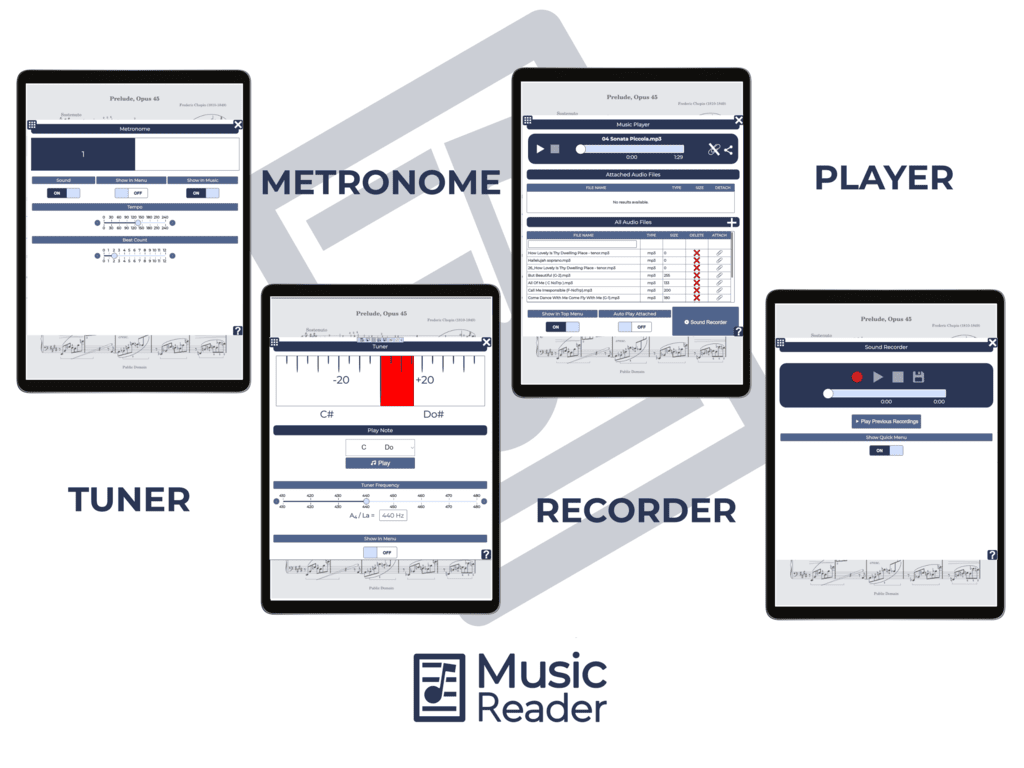
- Integrated Music Tools: A built-in music player, metronome, sound recorder, and more are at your fingertips.
- Half-Page View: Provides a larger display of notes, enhancing accessibility for visually impaired musicians.
- Inverted Colors: Features white notes on a black background to reduce light emission from the screen and serve as an additional solution for visually impaired musicians.
But that's not all. MusicReader also offers a cloud account for seamless music management:
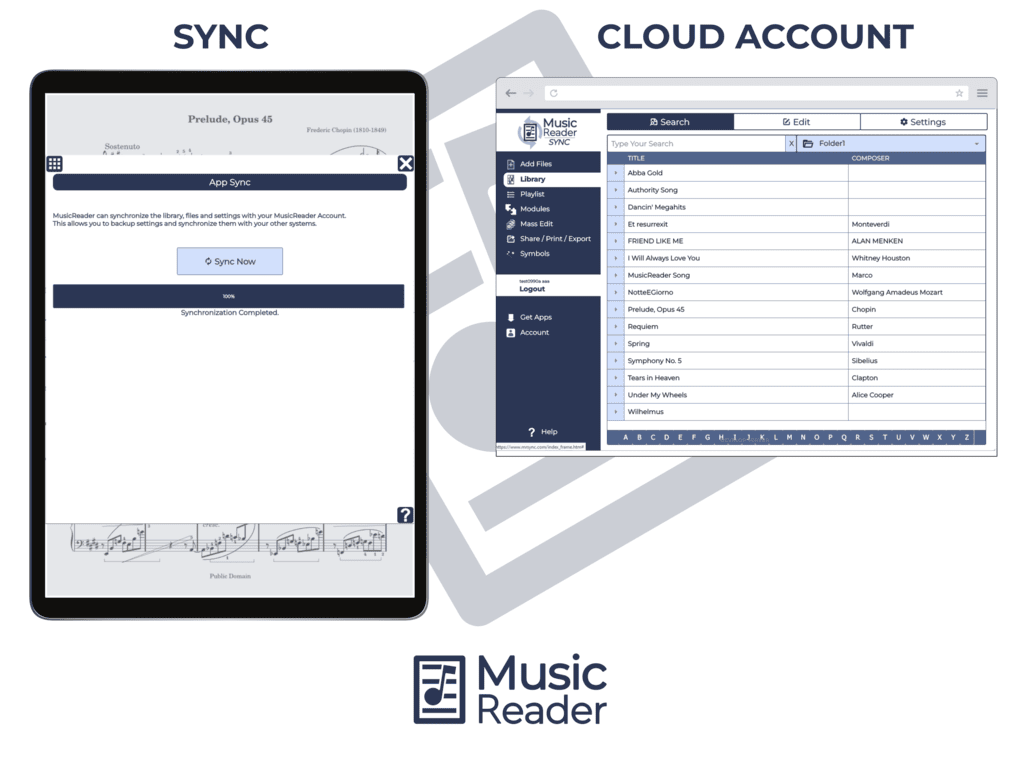
- Cross-device Synchronization: Always have the same sheet music on hand.
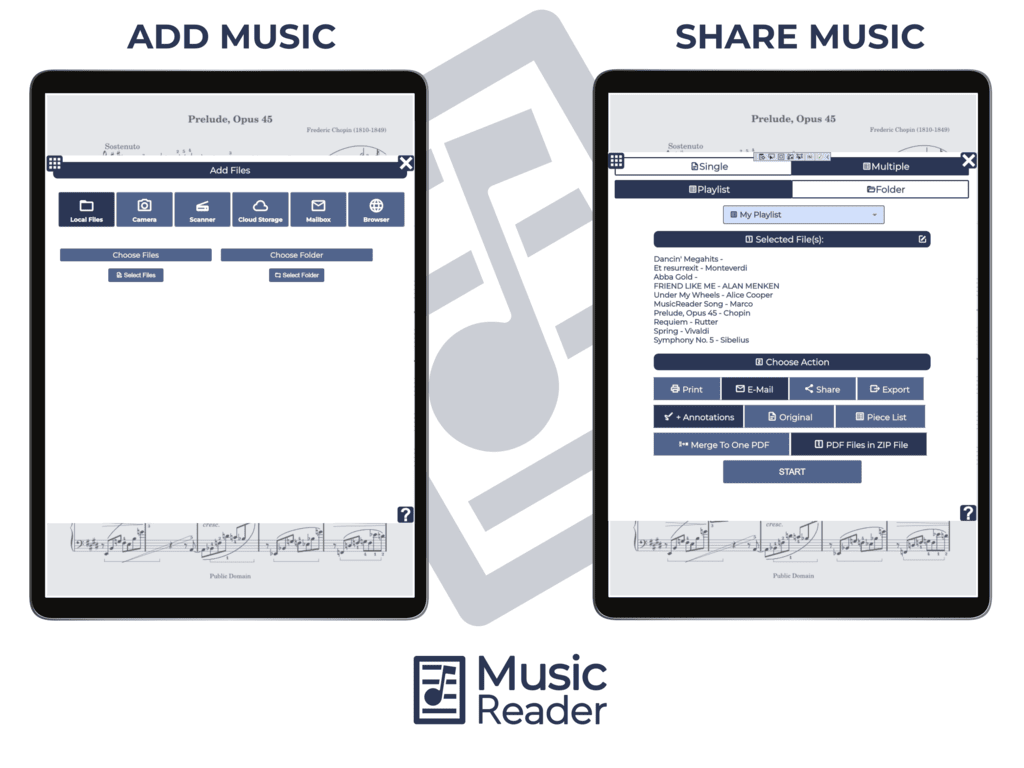
- Easy Music Transfers: Upload and move sheet music effortlessly.
- Secure Backups: Store your music safely in the cloud.
- Music Sharing: Share sheet music with fellow musicians.
- Diverse File Support: Import image, eBook, and audio files.
- Direct Mailbox: Email files straight to your MusicReader.
- Web-based Management: Control your collection through the MusicReader website.
TRY MUSICREADER NOW
FREE EVALUATION