Features
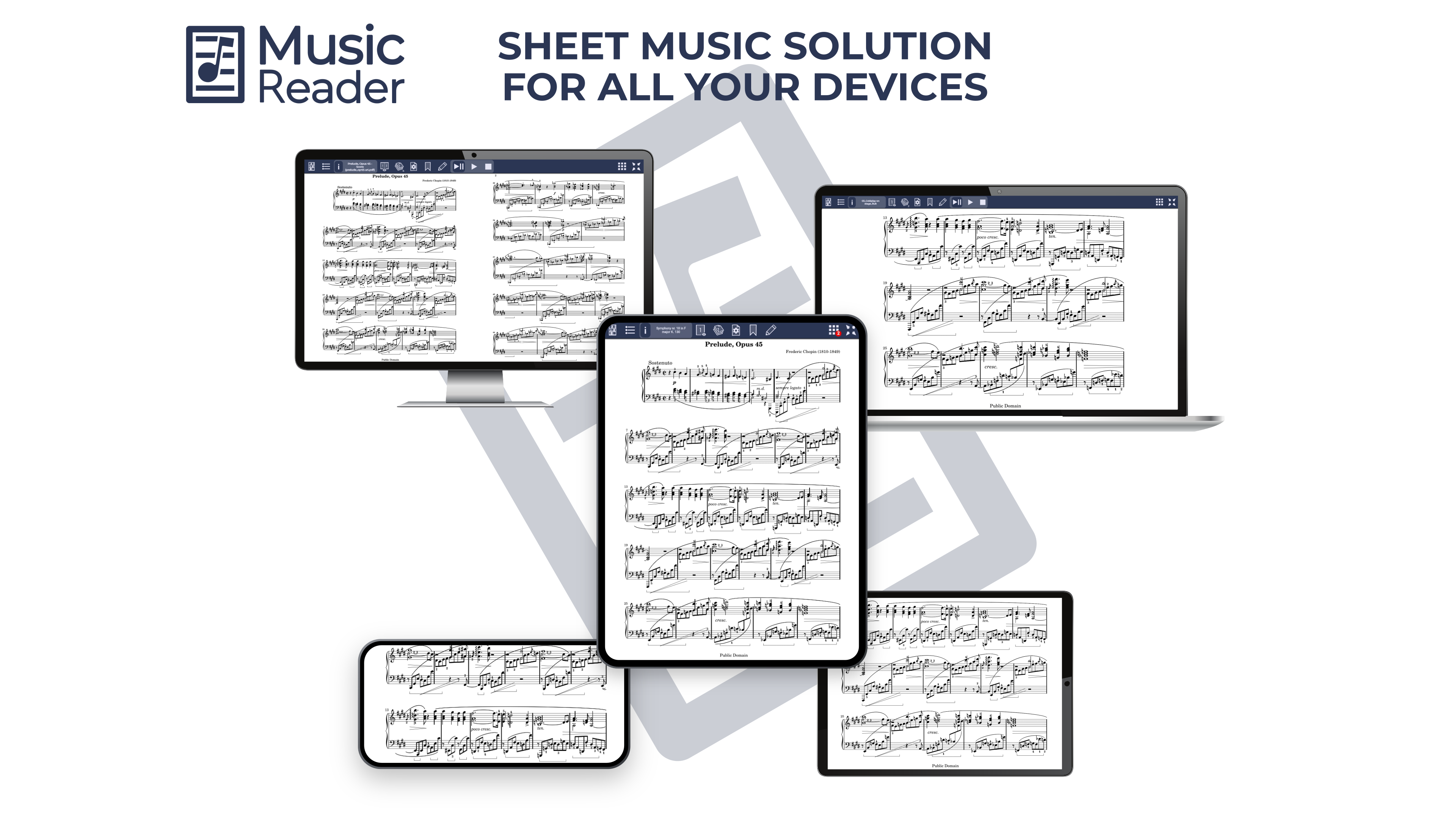
Key Features of the MusicReader App:
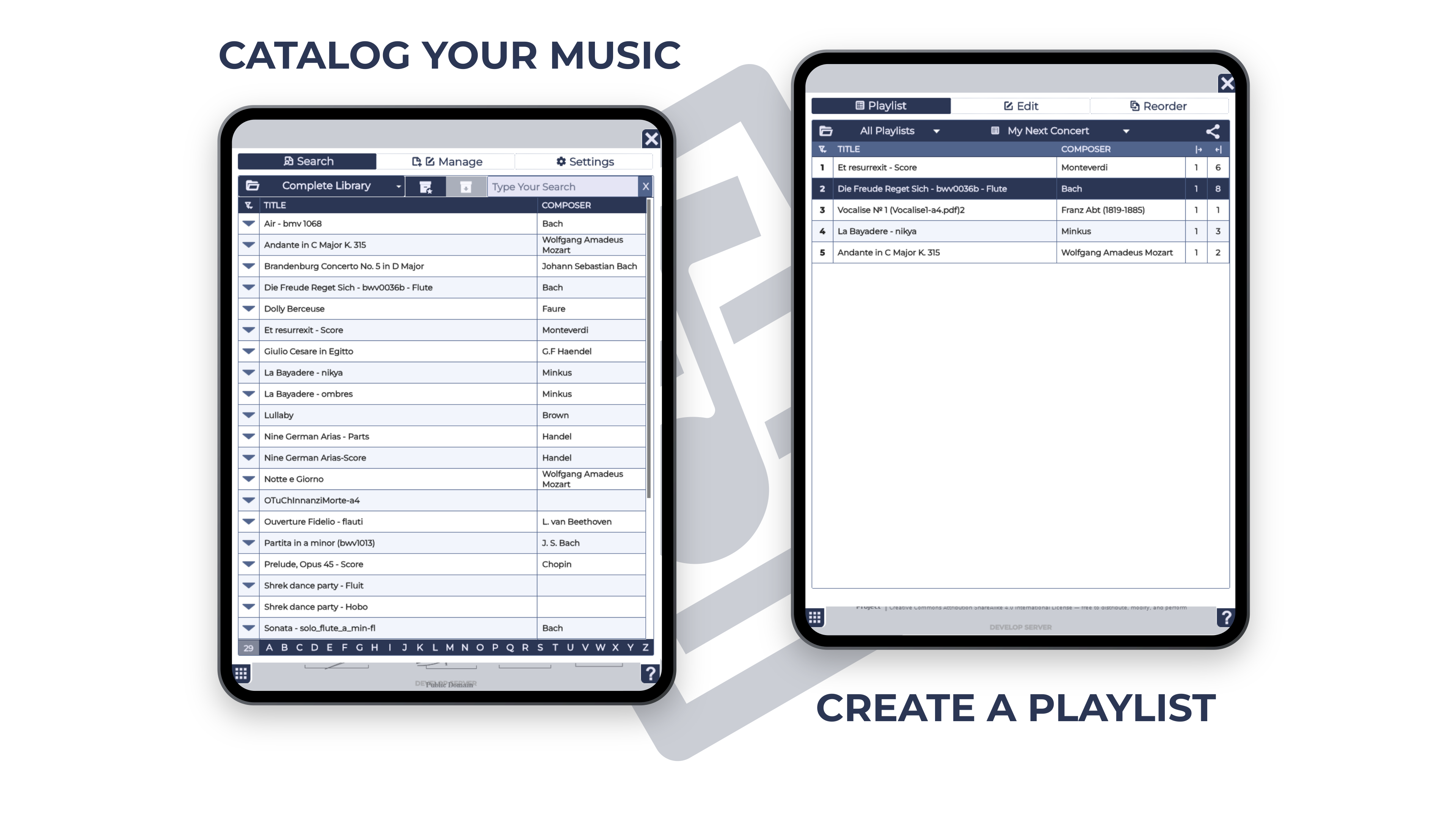
- Organized Music Library: Easily sort, search, and organize your music collection.
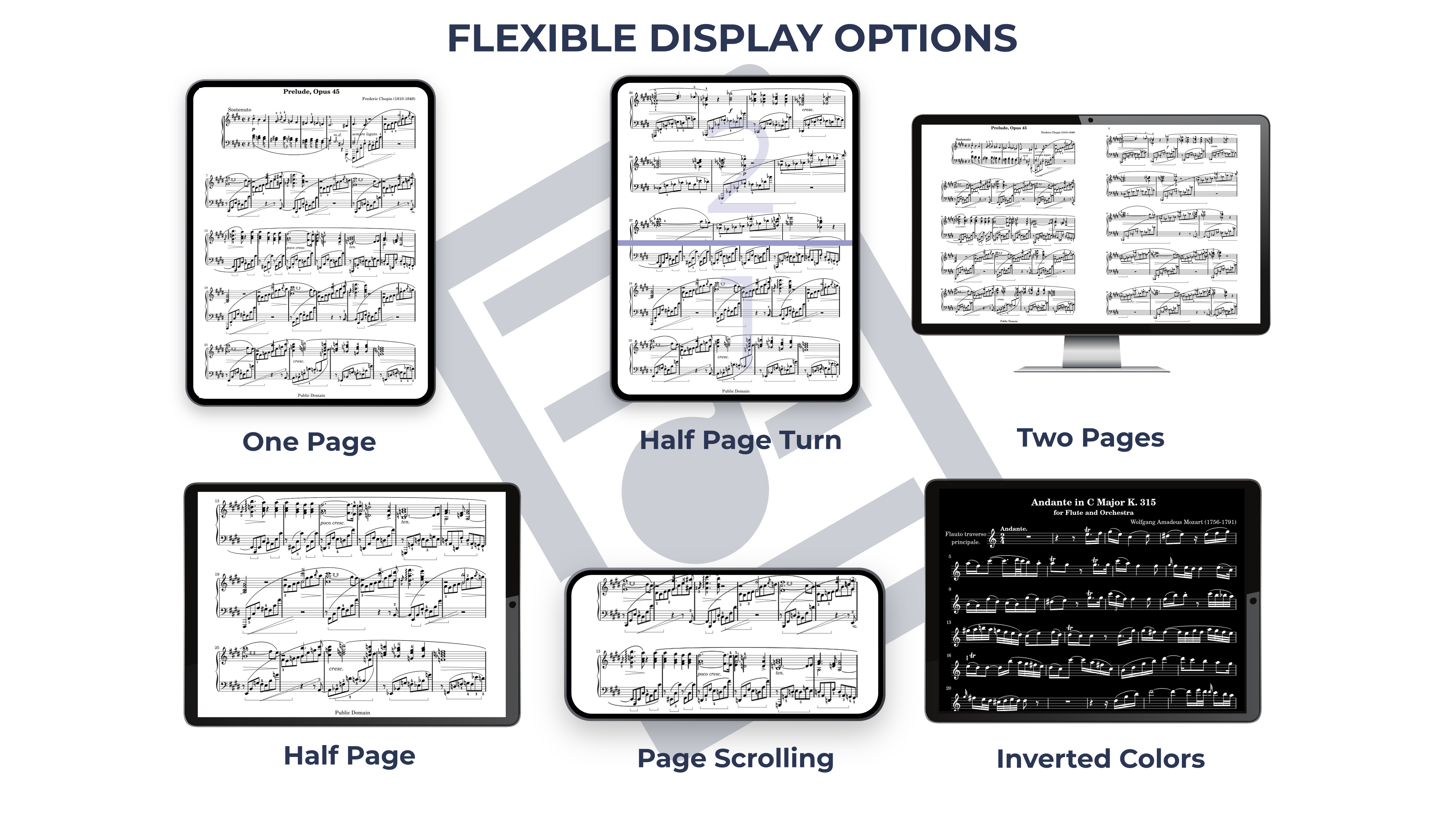
- Versatile Display Options: Choose between full, half, or dual-page views, or let the music scroll on screen.
- Integrated Playlist: Arrange your pieces in the order you need for a concert or rehearsal.
- Enhanced Page Turning: Turn half a page at a time, or scroll continuously.
- Offline Capabilities: The App works fully offline with music stored on your device. (Exceptions: account-related functions and some file conversions require internet.)
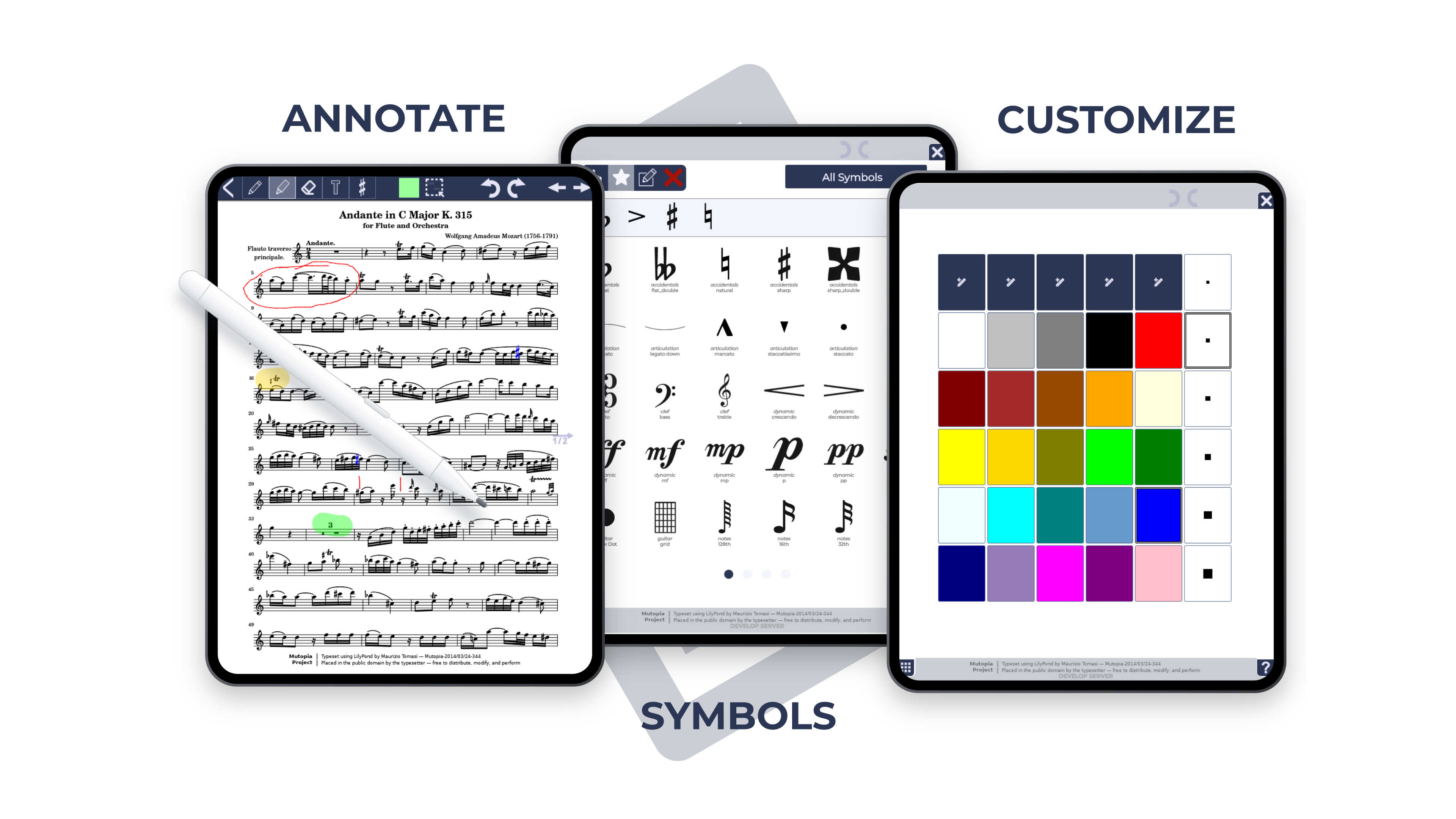
- In-App Annotations: Mark up your scores with pencil, marker, text, and symbols, or write directly with a digital pen or your finger. You can easily change the color and size of existing annotations.
- Hands-Free Page Turning: Use foot pedals or the integrated automatic timer.
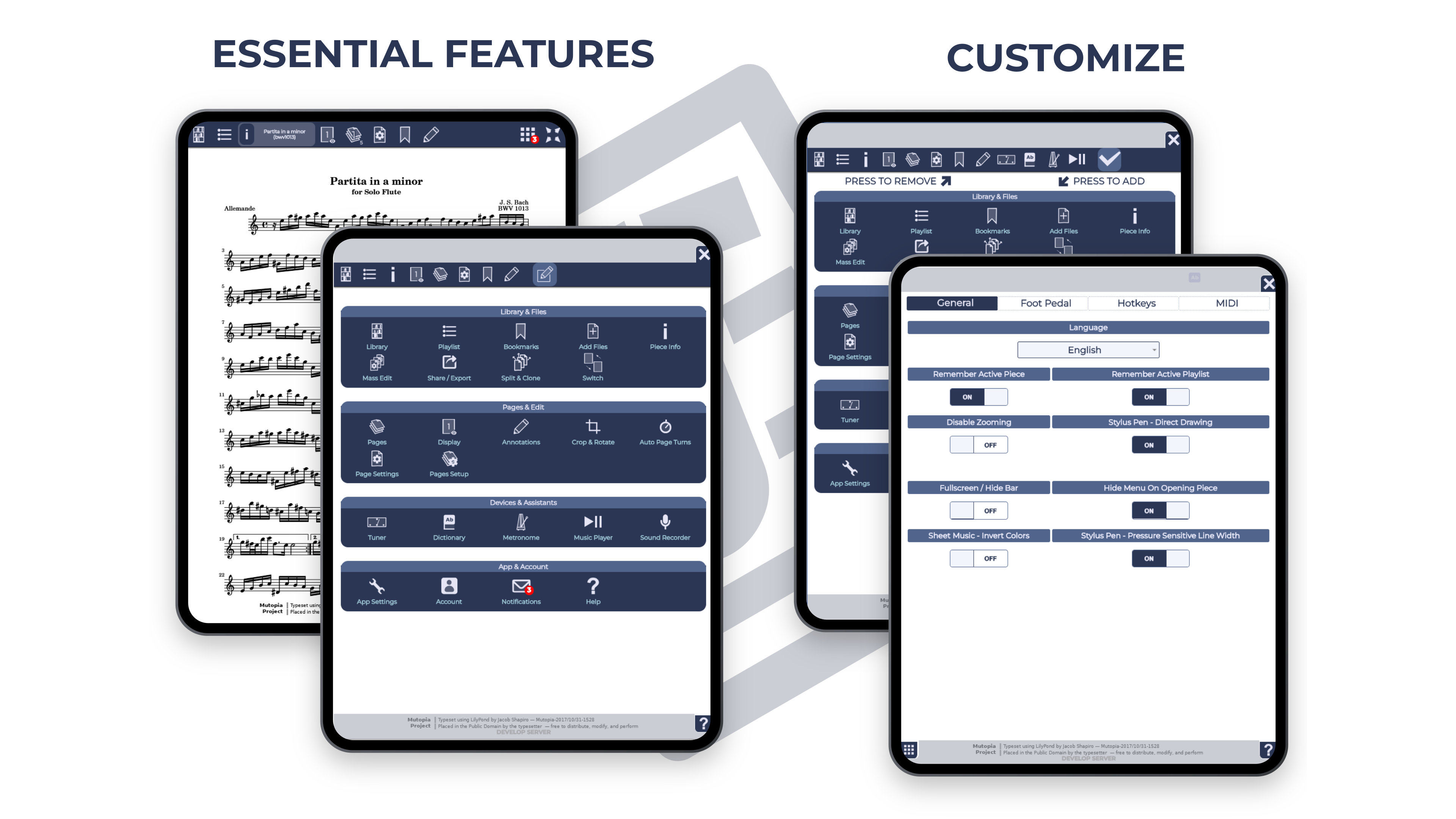
- Personalized Interface: Show only the menu options you need.
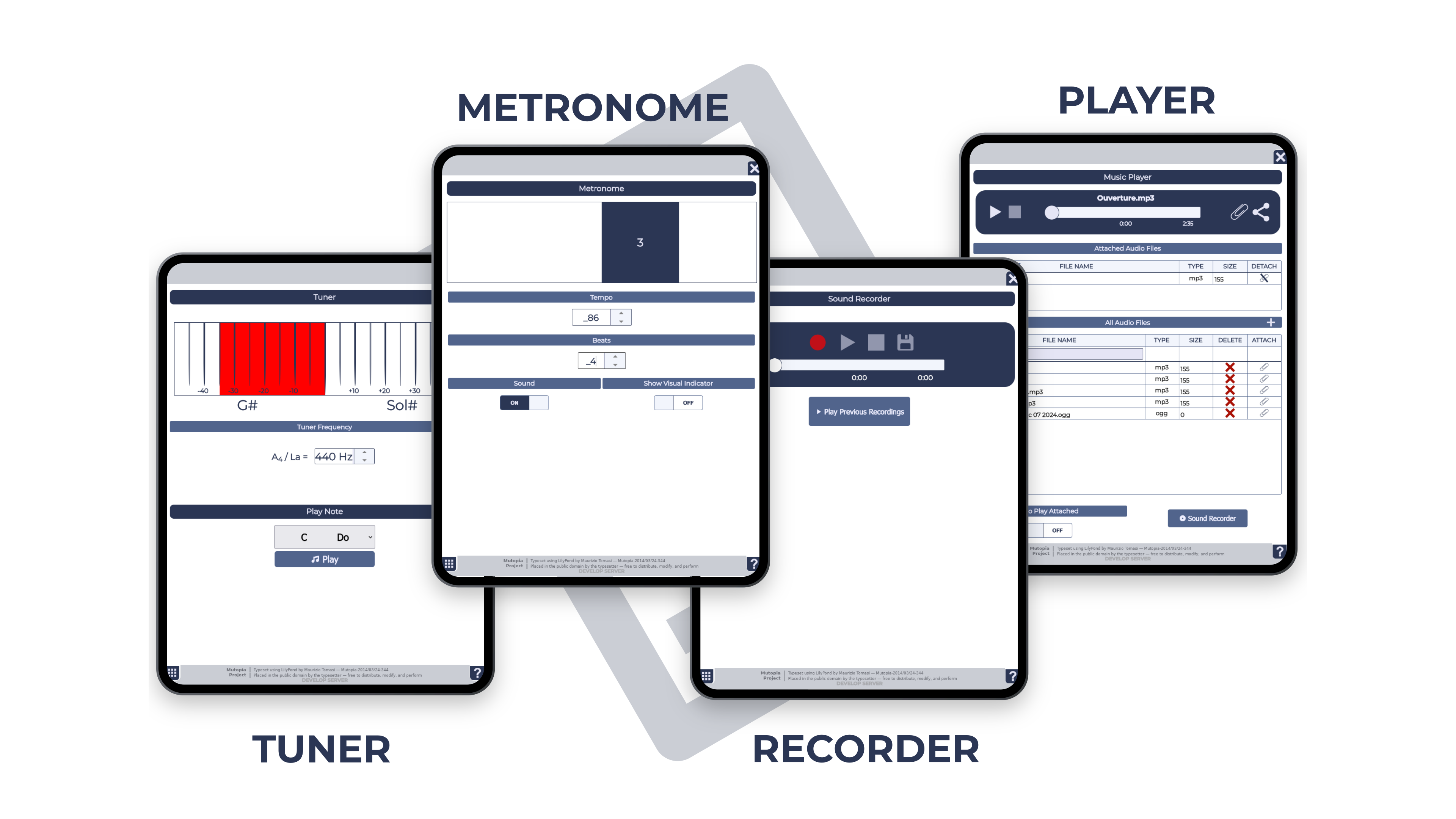
- Integrated Music Tools: A built-in music player, metronome, sound recorder, and more are at your fingertips.
- Half-Page View: Displays notes larger, making reading easier for visually impaired musicians.
- Inverted Colors: Shows white notes on a black background to reduce screen glare and help visually impaired musicians.
MusicReader also offers a cloud account for seamless music management:
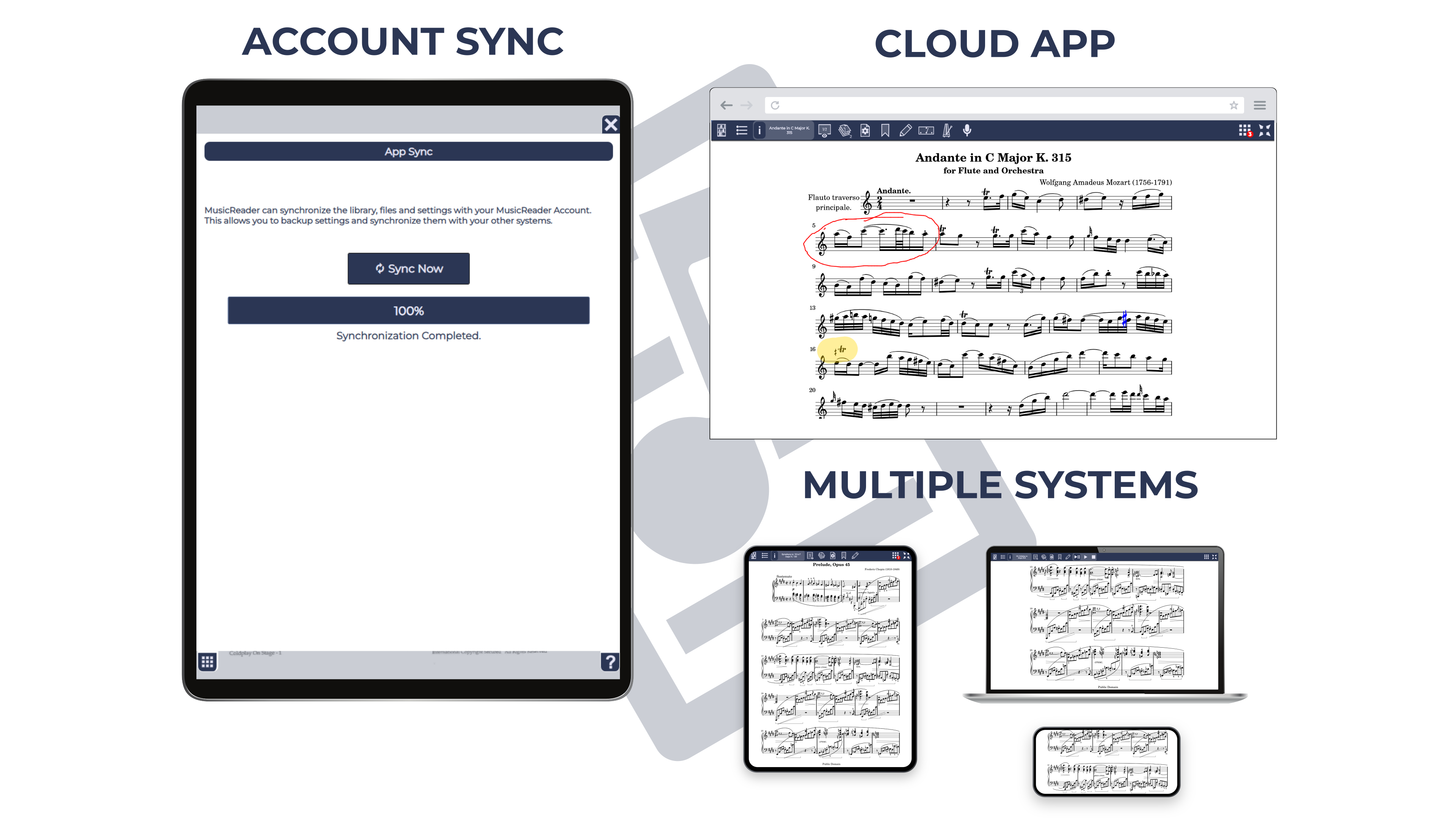
- Cross-Device Synchronization: Keep the same sheet music on all your devices.
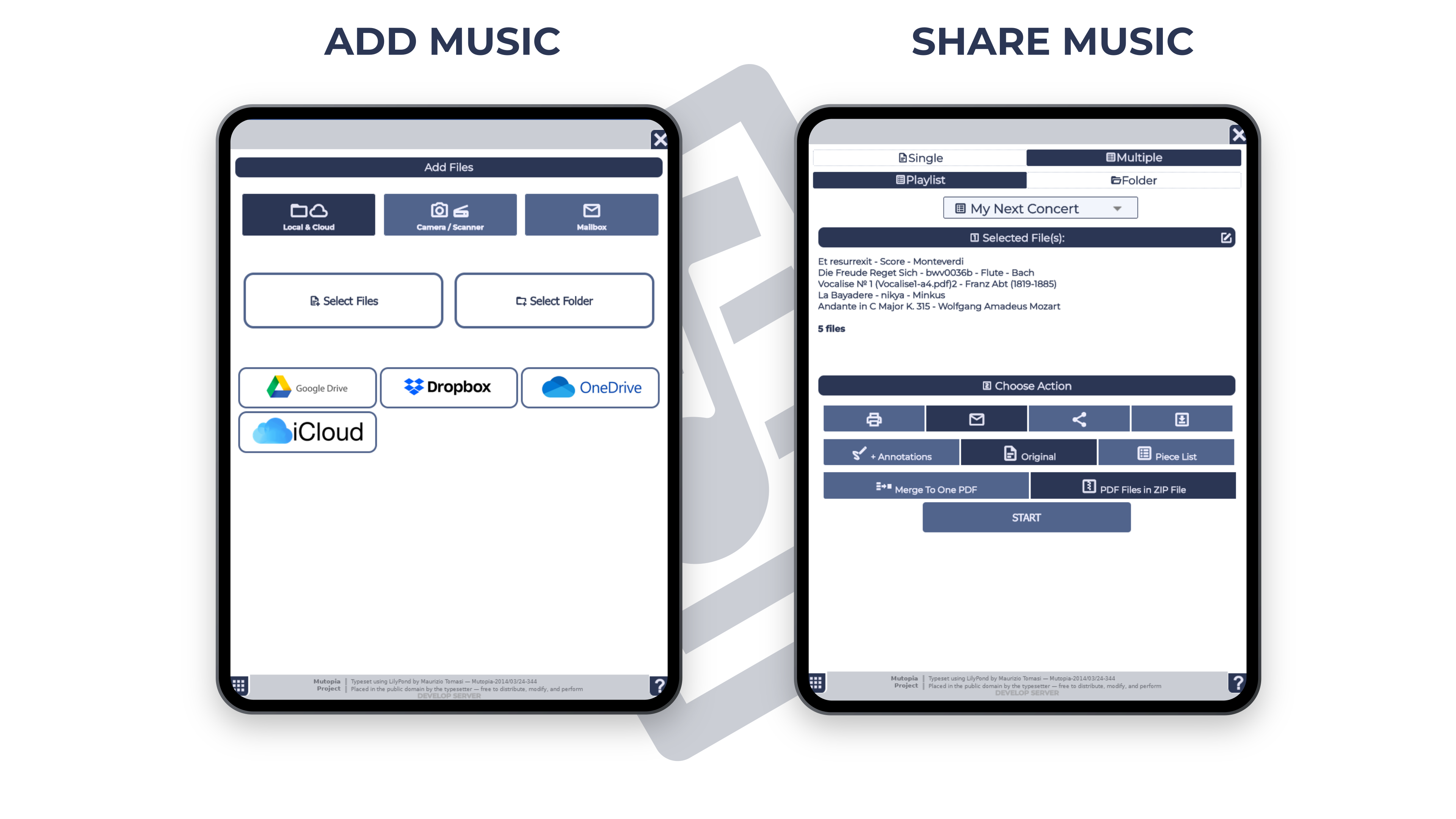
- Easy Music Transfers: Upload and move sheet music effortlessly.
- Secure Backups: Store your music safely in your account.
- Music Sharing: Share sheet music with fellow musicians.
- Diverse File Support: Import image, eBook, and audio files.
- Direct Mailbox: Email files straight to your MusicReader account.
- Cloud App: Use MusicReader in any browser.
TRY MUSICREADER NOW
FREE EVALUATION